
GLACIER PACK
Glacier Preset + modifiers and two B+W presets compatible for desktop with any version of Lightroom and Photoshop and for mobile with the Lightroom Mobile App. Below you’ll learn more about how to best use them and see how they’ll transform your images in a few clicks or less. Glacier also comes with optional grain + lens corrections modifiers.
DESKTOP / MOBILE / BUNDLE
GLACIER
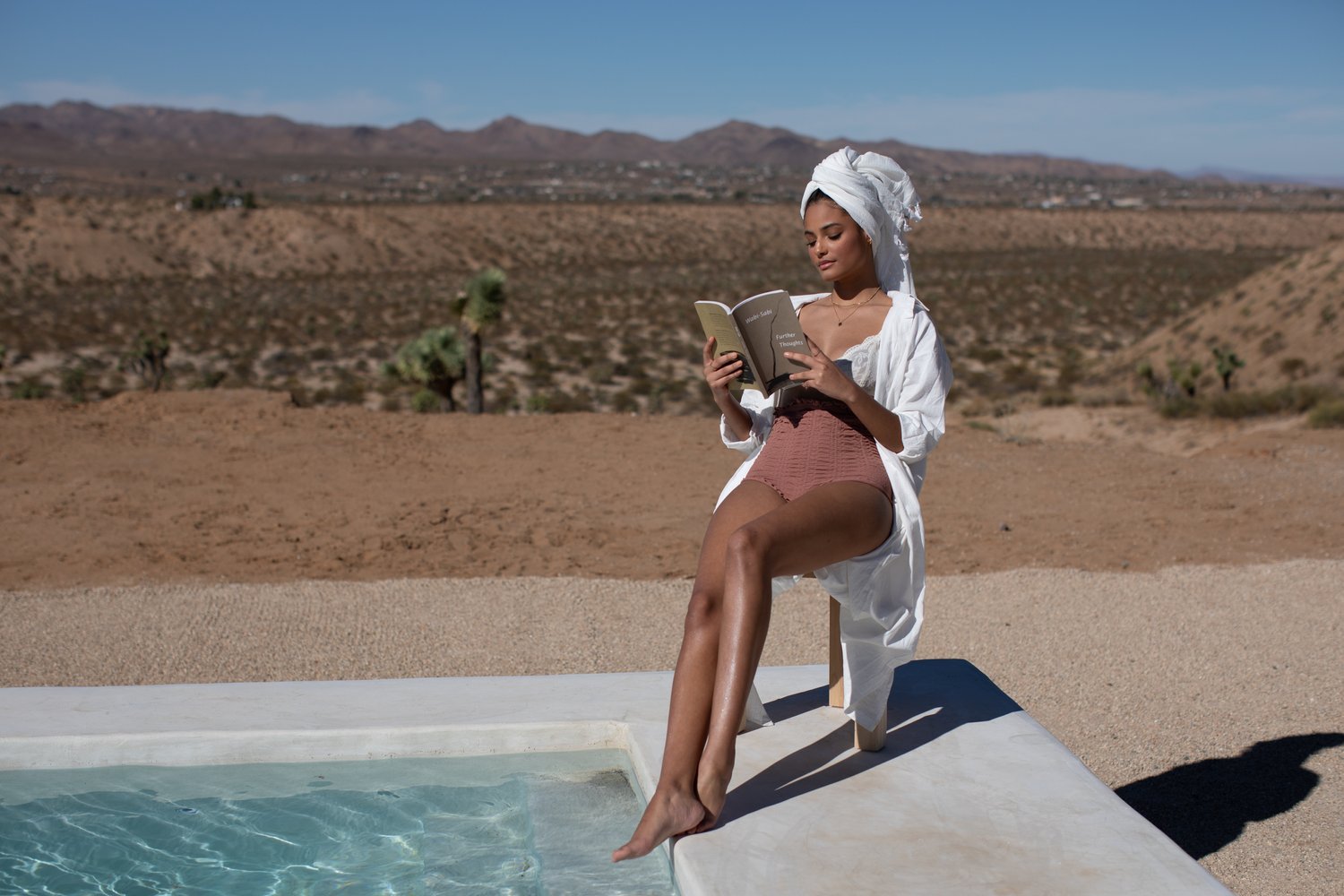
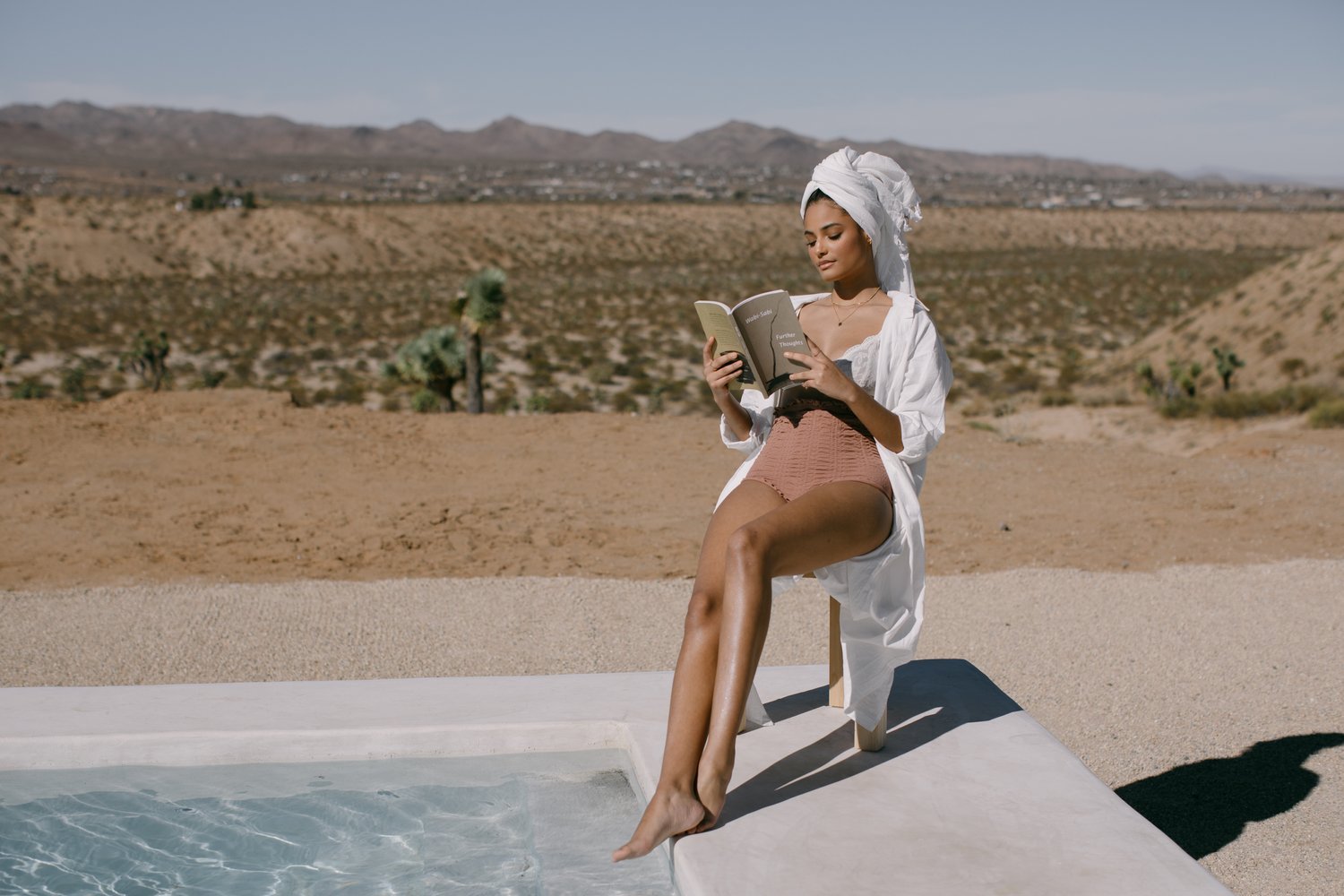
A classic base preset that can be used across many different lighting scenario’s. The colors are slightly muted to soften the scene creating a timeless feel to any image.
I use this preset to start off all my editing for every gallery.
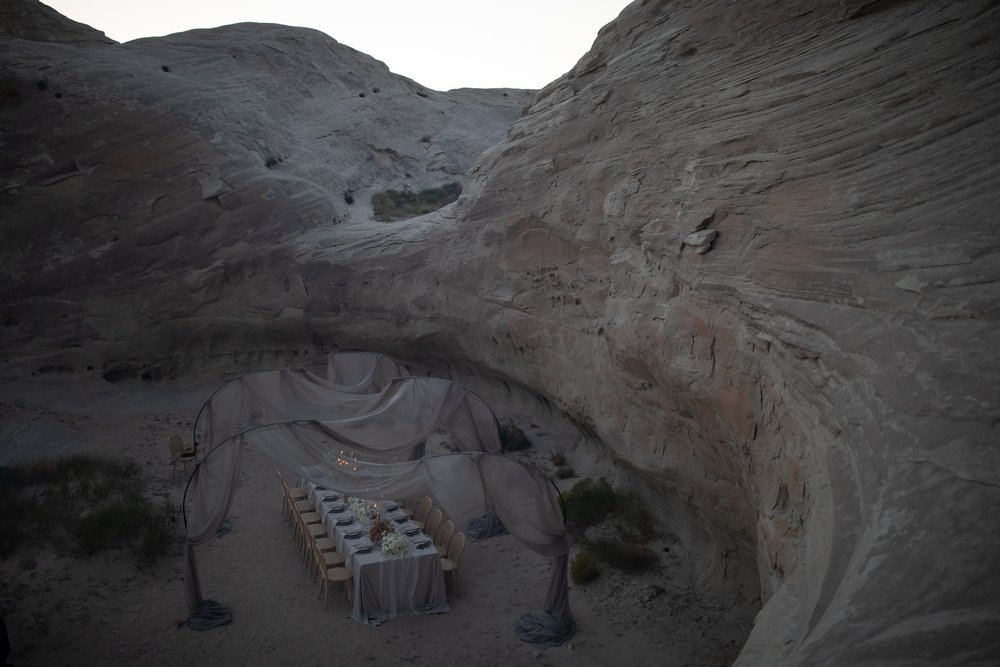
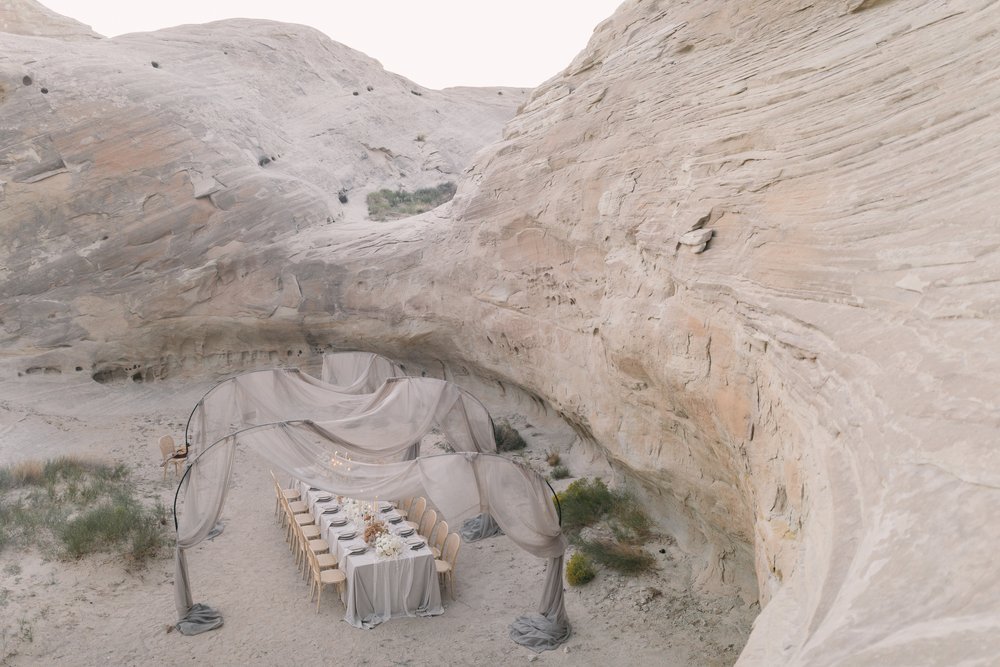
PINK HIGHLIGHTS
There’s something so luxurious and feminine about adding in a touch of pink to my highlights. I use this modifier quite often, especially for my editorial images. Pink highlights can also be used to off-set overpowering greens in any background.
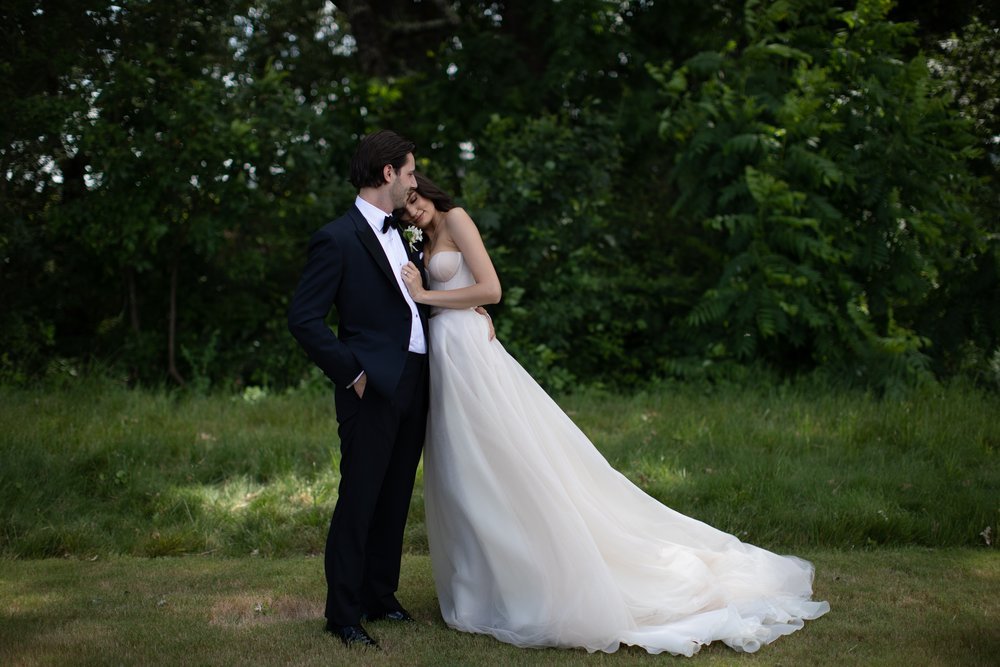
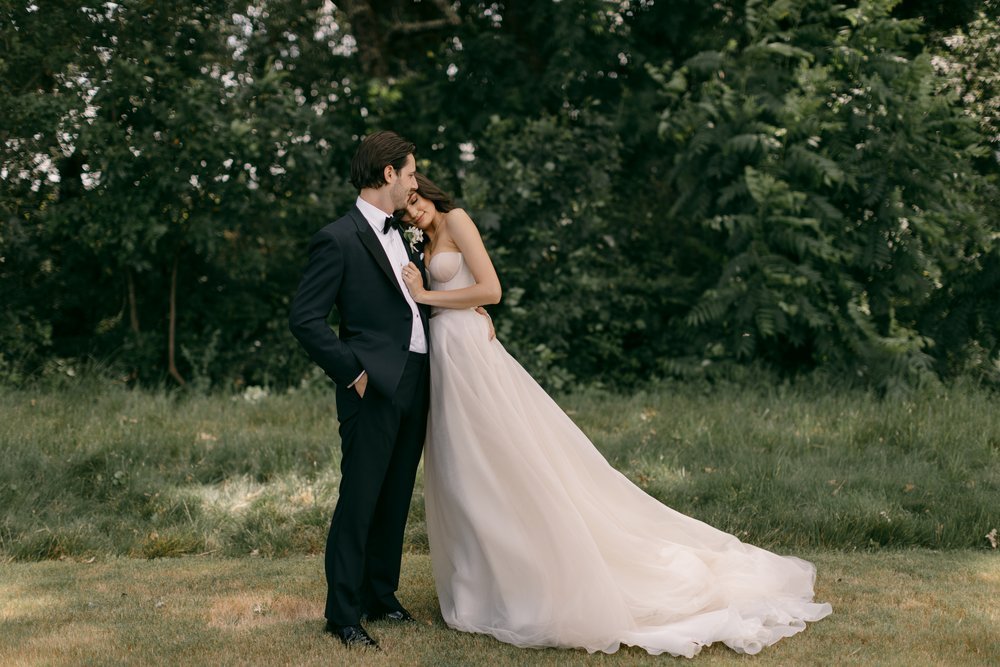
COOL GREENS
This modifier uses subtle adjustments to off-set those overpowering green backgrounds and cool down green tones all while keeping skin tones warm.
SOFT BLUES
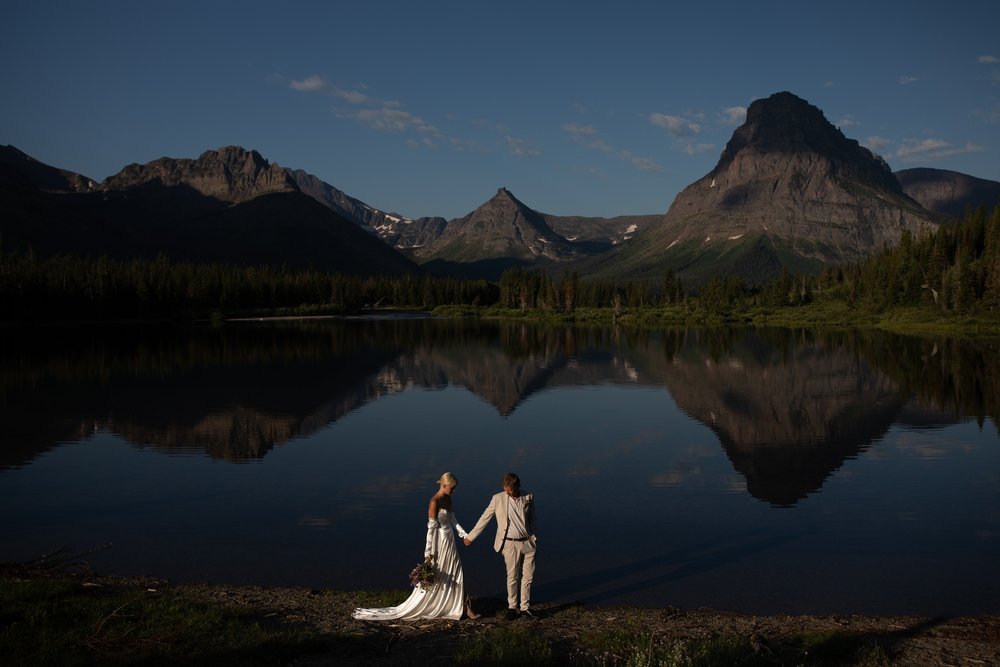
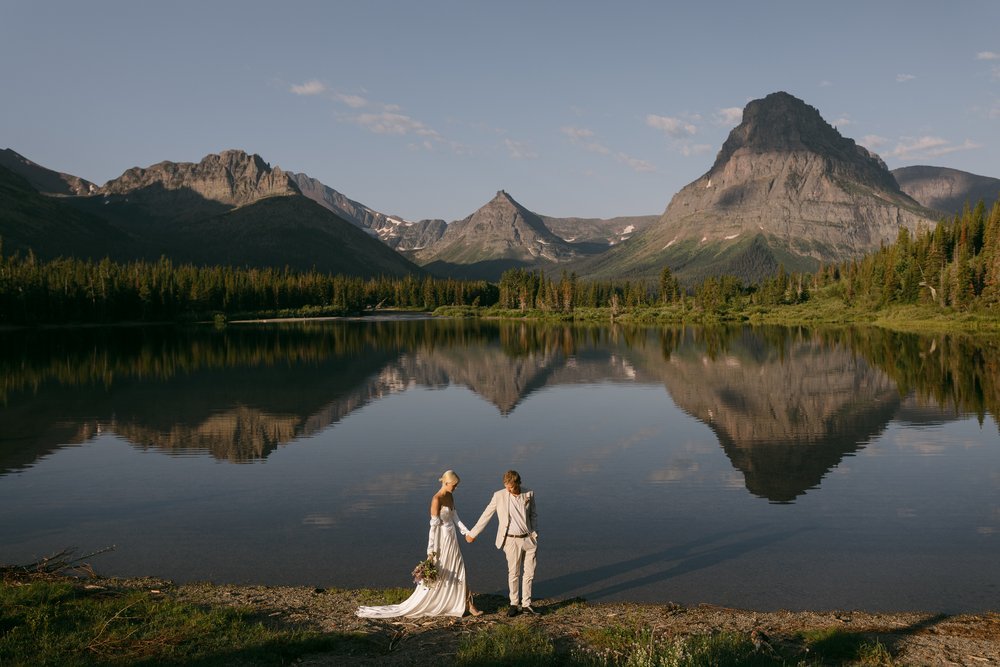
Blues are especially saturated in front lit, full sun photos which can be overpowering. This modifier softens blue tones so they are visible, but more cohesive with the other colors in a photo.
COOL SHADOWS
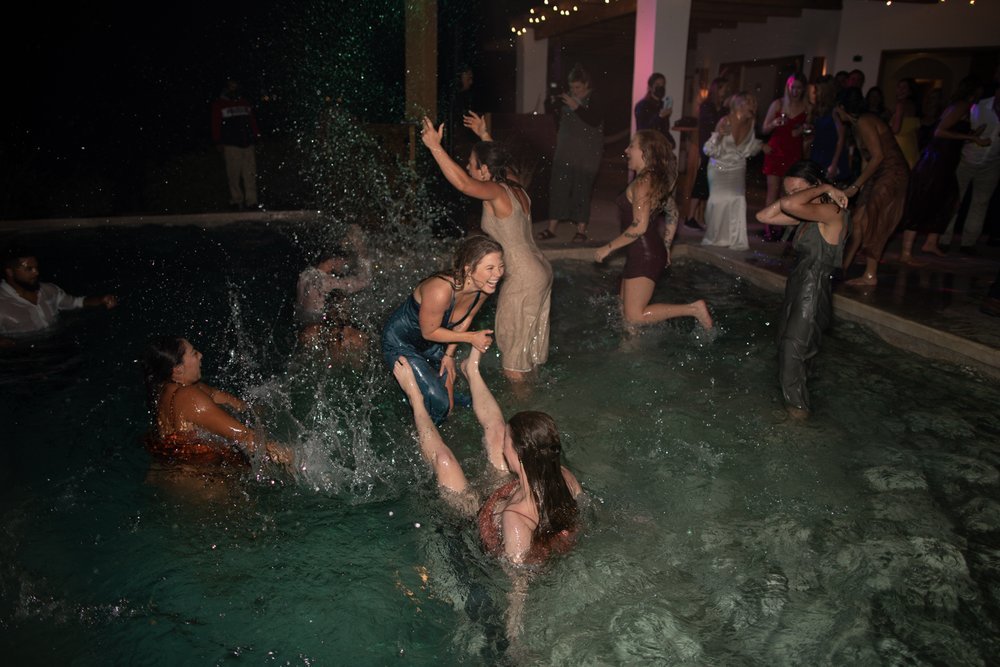
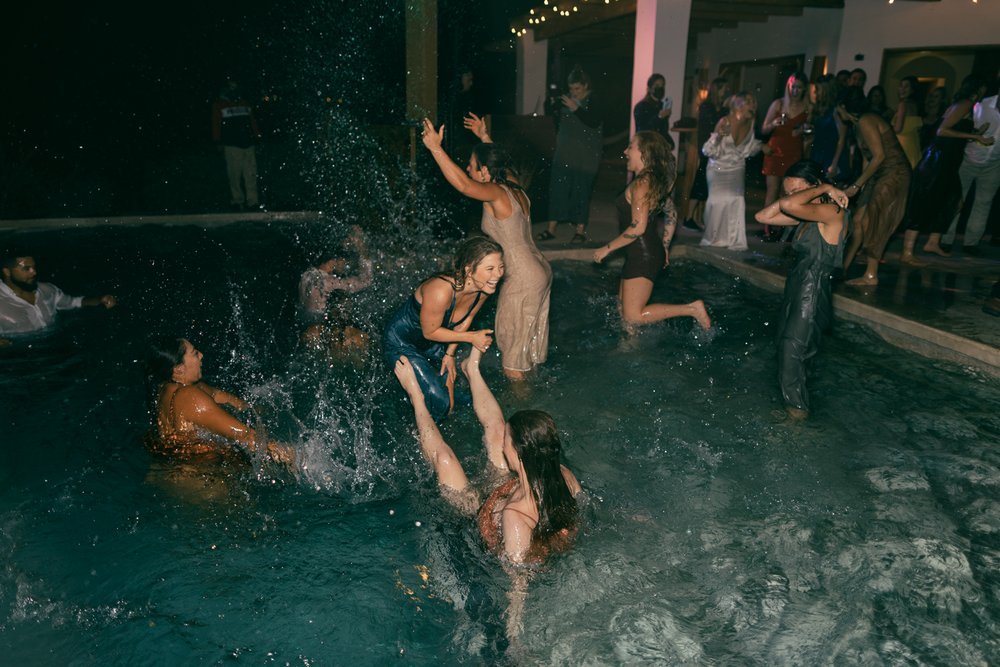
This modifier draws out the blue tones in a background and is my favorite to use for blue hour or flash photos.
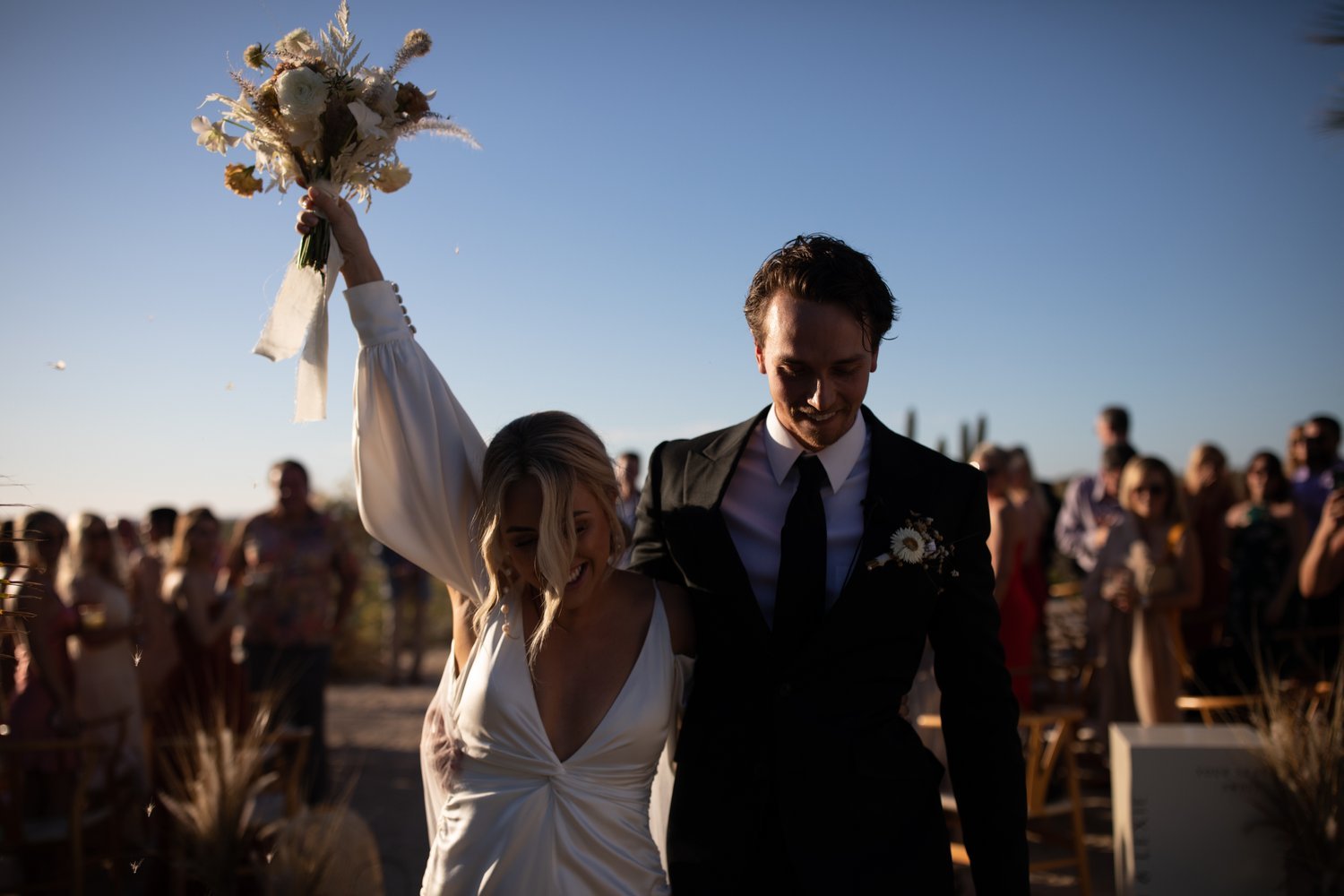
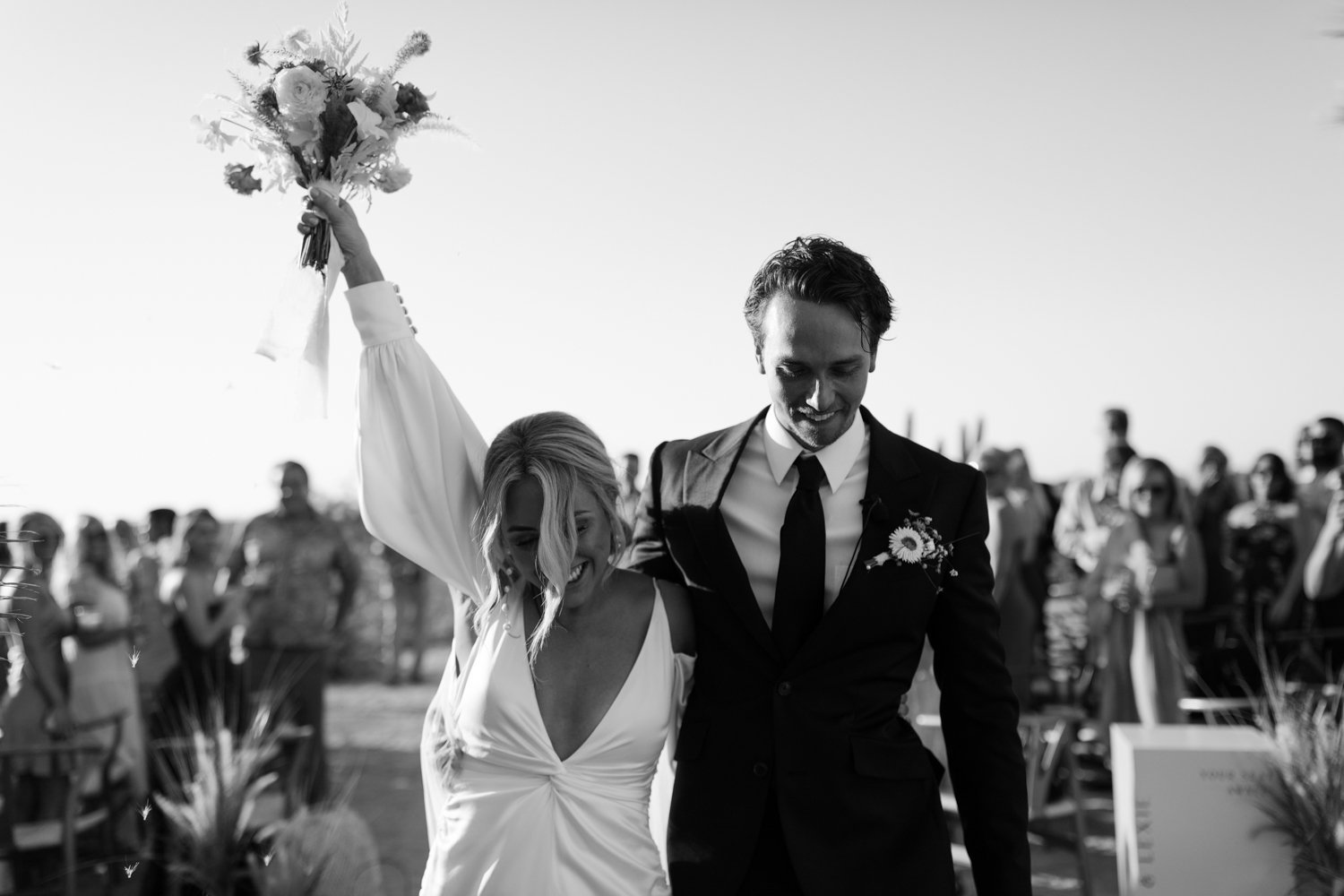
GLACIER BW 01
A high contrast black and white to transform any image into a stunning classic. I have a soft spot for black and white images and this preset has taken my images to a whole new level.
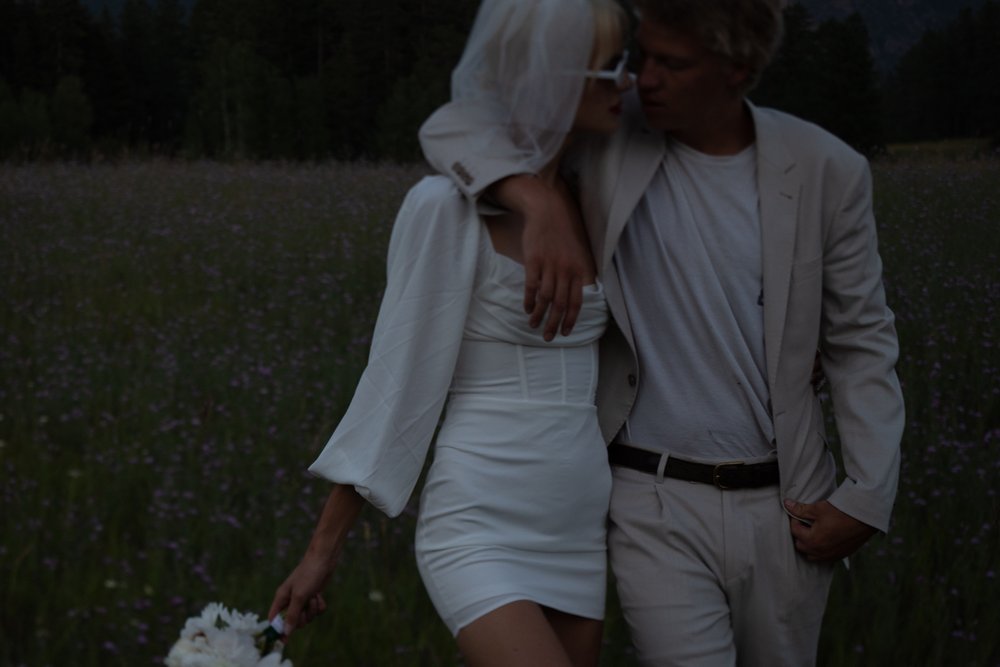

GLACIER BW 02
For my love of film and vintage black and whites, this preset has low contrast and soft shadows.
-

Desktop Presets
$99 -
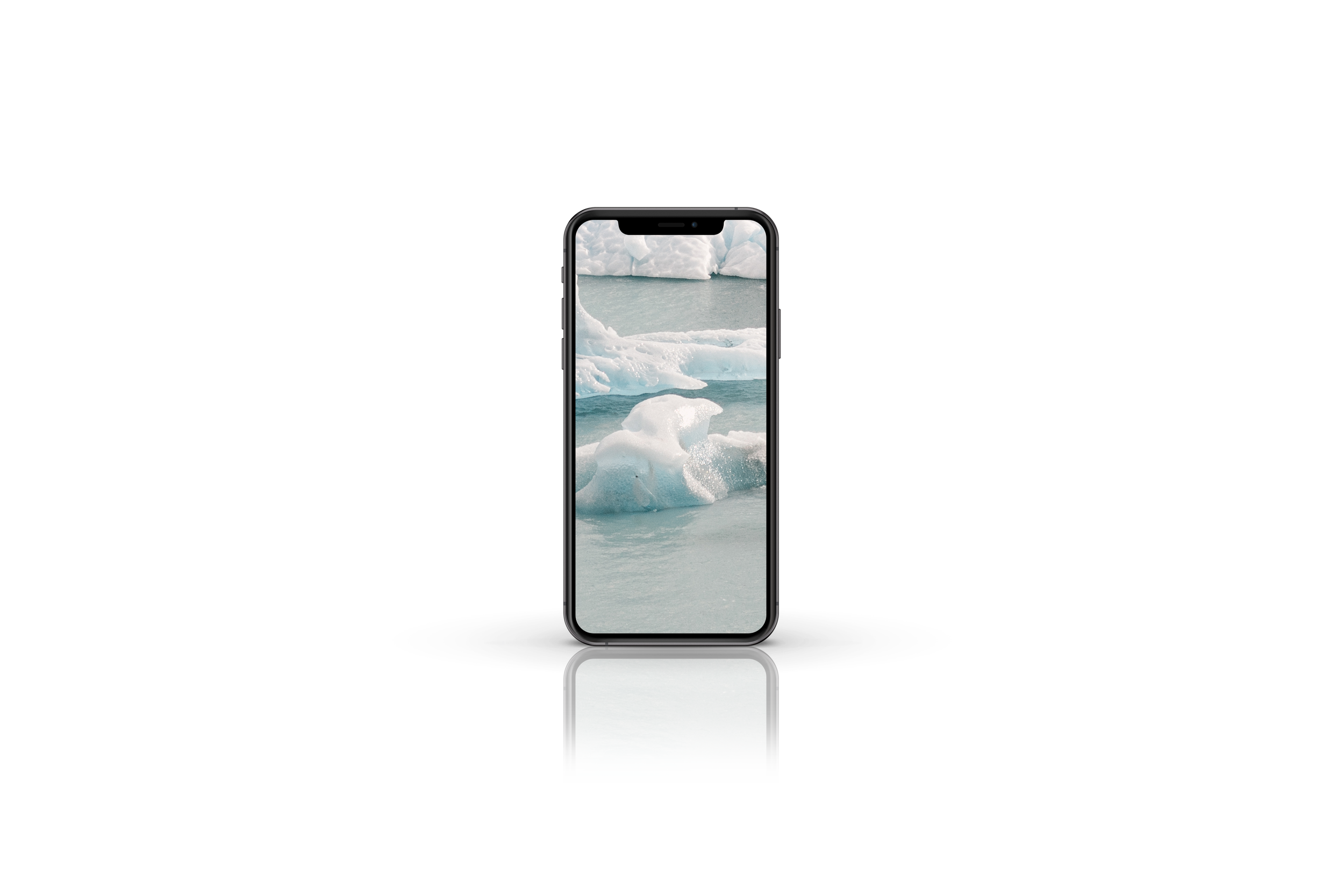
Mobile Presets
$55 -
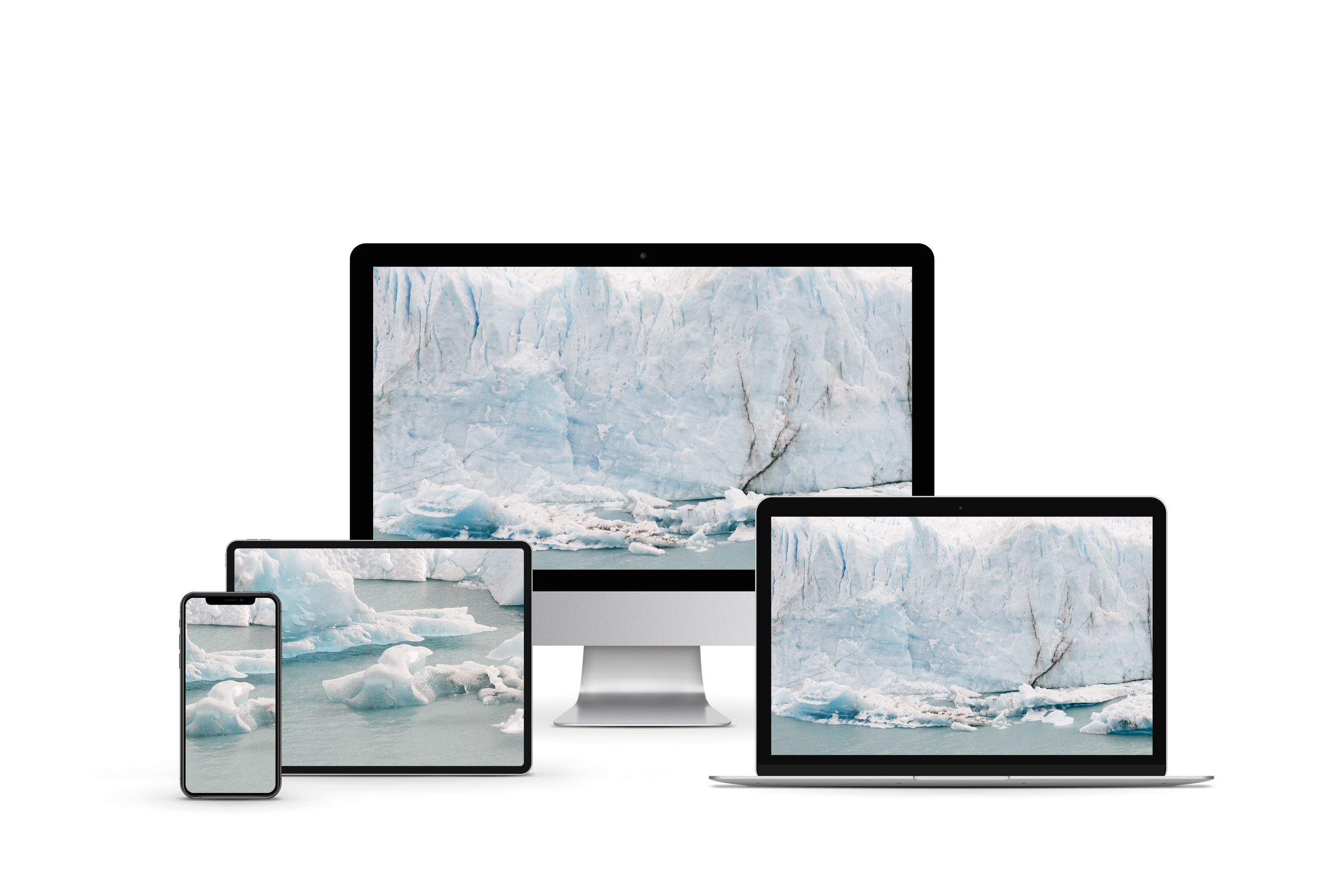
Desktop + Mobile Presets
$147
Here’s a preview of what it’s like to edit with the Glacier pack. Easy, seamless edits over multiple different kinds of lighting situations, skin tones, and backgrounds. Each modification is subtle, yet transformative. All these photos were taken on a Canon 5D Mark IV and shot on auto white balance.
FAQs
-
If you are using a desktop computer or laptop: purchase the DESKTOP pack
If you are using an Ipad or Phone: purchase the MOBILE pack
If you are using both: purchase the BUNDLE pack
-
Once purchased, you will immediately receive an email with the download link. The presets must be downloaded onto your device within 24 hours, after which the link will expire.
-
Anni Graham desktop presets are only compatible with Adobe Lightroom and Adobe Camera Raw (ACR). There is a desktop version of Lightroom starting at $9.99/mo for the “Creative Cloud Photography” plan that will allow you to use these presets. The mobile presets are compatible with the free Adobe Lightroom mobile app.
-
Great question! All desktop preset packs include both “.lrtemplate” files as well as “.xmp” files which are compatible for all versions of Lightroom and Photoshop.
Lightroom version 7.3 and older need .lrtempalte files while newer versions can import both .lrtemplate and .xmp files.
The mobile presets are compatible with any version of the Lightroom app.
PLEASE NOTE: NO refunds will be given if you do not have the Lightroom or Photoshop programs to use these presets.
-
Each preset pack comes with my Lightroom Installation Guide to walk you through the process of getting them installed on your device(s) and how to begin using them. You can also watch me edit using the Yosemite or Iceland packs on Lightroom desktop here. If you have any questions or issues, you can email me at hello@annigraham.com.
-
These presets often enable you to edit with just one click. Depending on the colors, location, lighting scenario, quality of the image, and other factors you may have to slightly tweak the exposure, white balance, or contrast to get it just right.
Your pack also comes with 6 presets, because different presets look better on different images. If you’ve tried playing with them and getting more comfortable with Lightroom and you’re still unsatisfied with the result, get in touch at hello@annigraham.com. I’d be happy to chat about how we can make it right.
-
As presets are digital in nature, all sales are final and purchases are non-refundable. That being said, I always want to hear your feedback and know how I can make it better.